
We Service Queens, Long Island, Manhattan , Brooklyn and more

24/7 Support

Best Prices and Techs in New York

Google Nest Thermostat

Remote Support and New York Installs. Need a Service? Call us a (718) 500-4114.

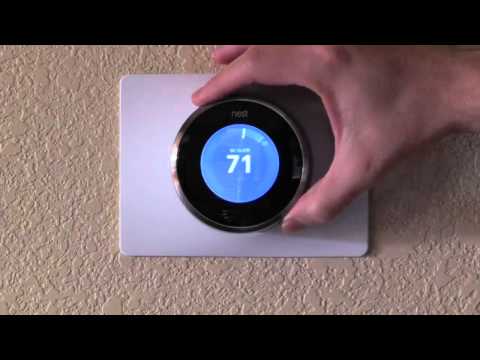
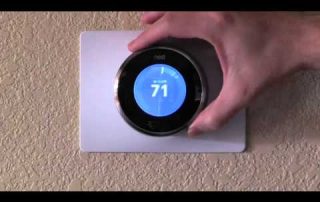
Tips and Tricks on how to use your Google Nest thermostat, change settings, set temperature schedules, save energy, control it with your phone, and more.

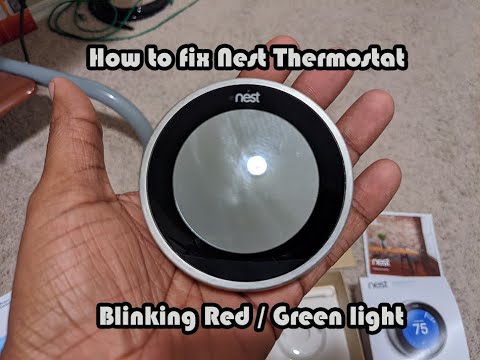
How to fix a Nest Thermostat with a Blinking Light

In the smart home market, Google Nest is a major brand. They have everything from security cameras and video doorbells to energy-saving thermostats! If you have one of their Nest Thermostats, you might notice some strange flickering lights now and then. Don't give up! What these lights represent and how to remedy them are explained in detail. This tutorial will help you fix all Nest Thermostat blinking lights faults, whether you have the first, second, or third generation of Nest thermostats, the Google Nest Thermostat E, or the most recent Google Nest Learning Thermostat. Continue reading!   Blinking Red Light [...]

How to fix a Nest Thermostat with a Blinking Light2021-10-29T18:16:15-04:00

How to fix a Next Thermostat with a low Battery

The Nest thermostat is fueled by the energy from your HVAC wiring and keeps its internal battery charged. The battery drains steadily over time, even while it is not in use. It will become unusable if the battery level falls below the minimum operational level. On the back of each Nest thermostat is a USB charging connector that may be used to manually charge the battery. Troubleshooting in general, and specifically troubleshooting the wiring between the HVAC and Nest depends on a variety of circumstances.The Nest thermostat's internal rechargeable battery is represented by Battery Level. It ranges between 3.6 and 3.8 [...]

How to fix a Next Thermostat with a low Battery2021-10-26T12:23:12-04:00

How to fix a Nest Thermostat that wont respond

Nest Support has published an instructional on what to do if your Nest Thermostat won't turn on. The company recommends recharging and restarting your thermostat to fix the problem. If you can't control it or it's acting sluggish, try manually restarting it. If you own a Nest Thermostat, you've definitely heard about the recent problems and are worried about losing heat in the midst of winter. But have no fear! "What to do if your Nest Thermostat has become slow, unresponsive, or won't switch on" is the title of an instructional page produced by Nest Support. That is, in fact, [...]

How to fix a Nest Thermostat that wont respond2021-10-26T12:25:50-04:00
Go to Top